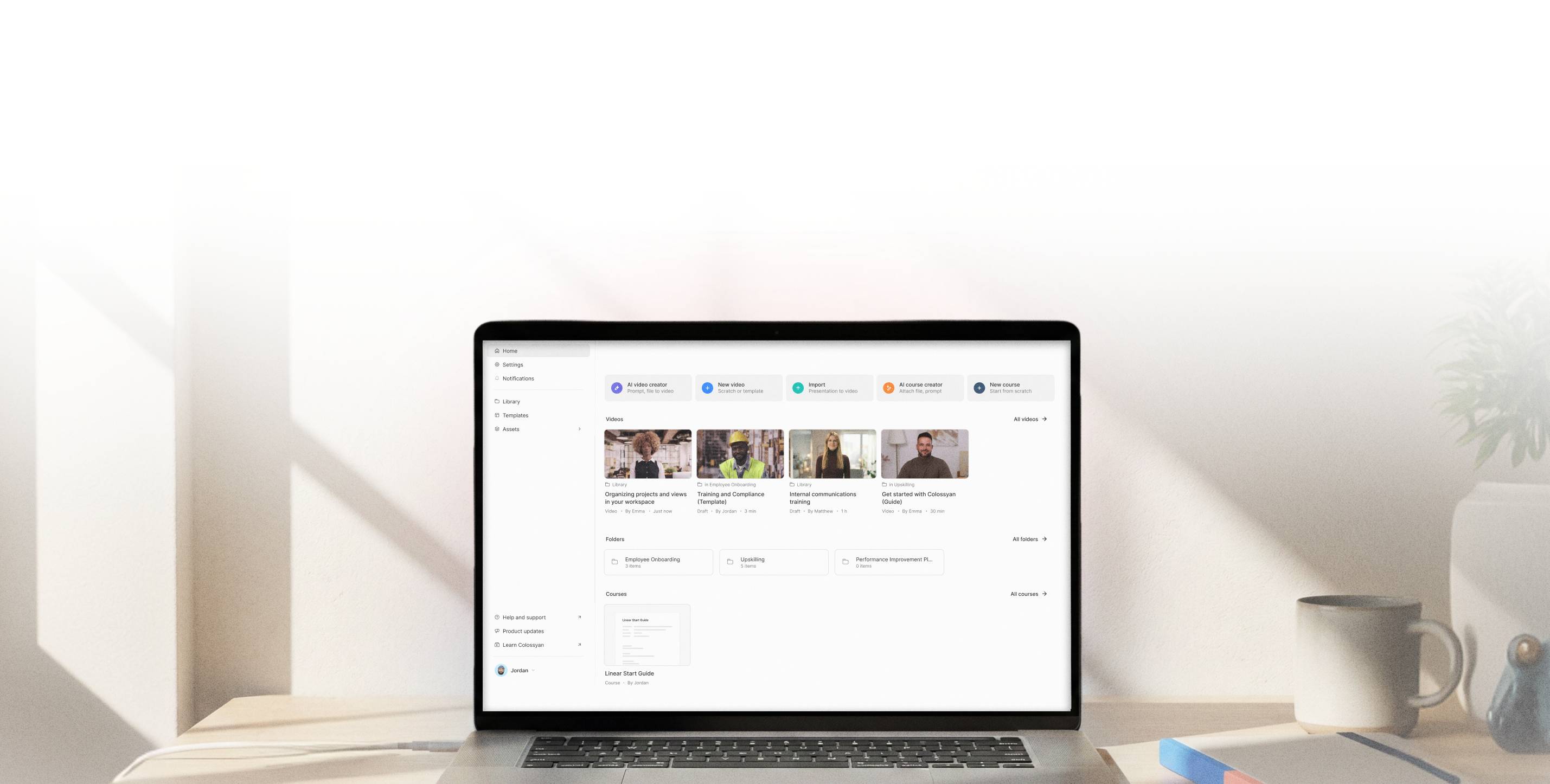
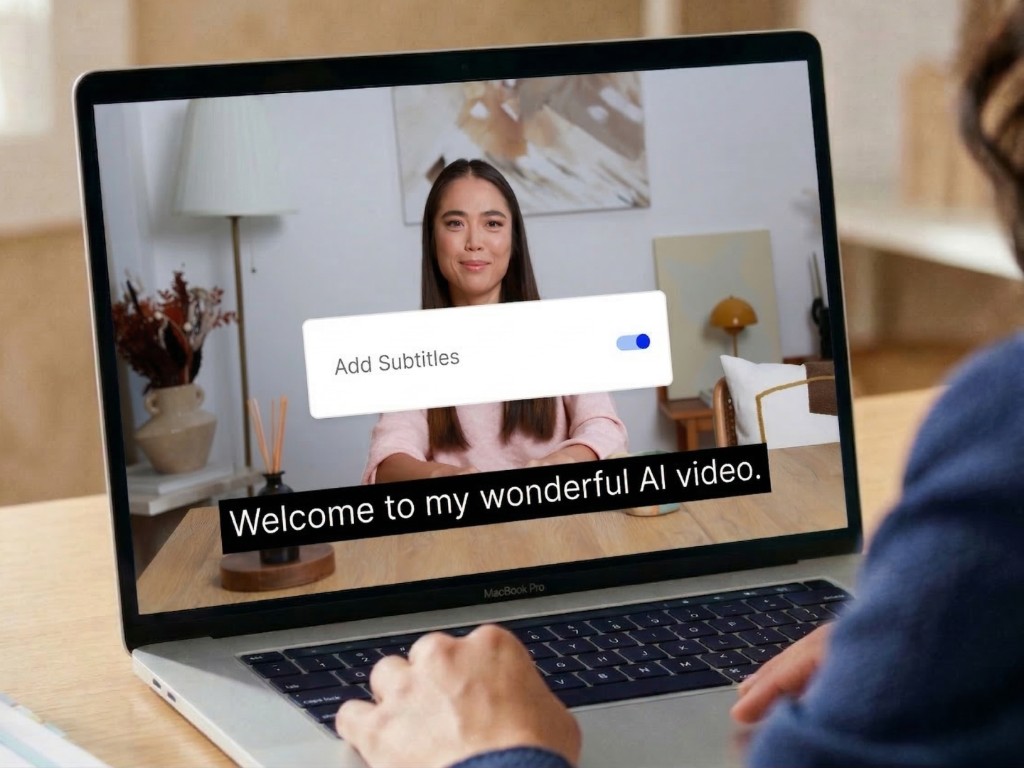
Add video subtitles in one click
Improve accessibility and increase engagement up to 40% by adding subtitles to your text-to-speech AI videos.








Ensure clear audience understanding
- • Improve accessibility by combining audio and text
- • Allow flexible viewing for everyone, sound on or off
- • Translate your video captions and audio for a global audience
Video captions FAQ
You can toggle subtitles on or off in the Colossyan editor with a single click. Navigate to the subtitle settings in your project and disable them — your video will re-render without captions.
All Colossyan users can add subtitles to their videos, regardless of plan. Subtitles are available on every project and can be enabled during the video creation process.
Yes. Colossyan lets you export subtitles as separate SRT or VTT files alongside your video, making it easy to upload captions to any platform that supports external subtitle tracks.
When you translate your video into another language, Colossyan automatically generates matching subtitles in the target language. You can also add subtitle tracks in additional languages without re-recording your video.
Yes. The subtitle editor lets you customize font family, size, color, background opacity, and positioning so your captions match your brand guidelines.
Get started today for free