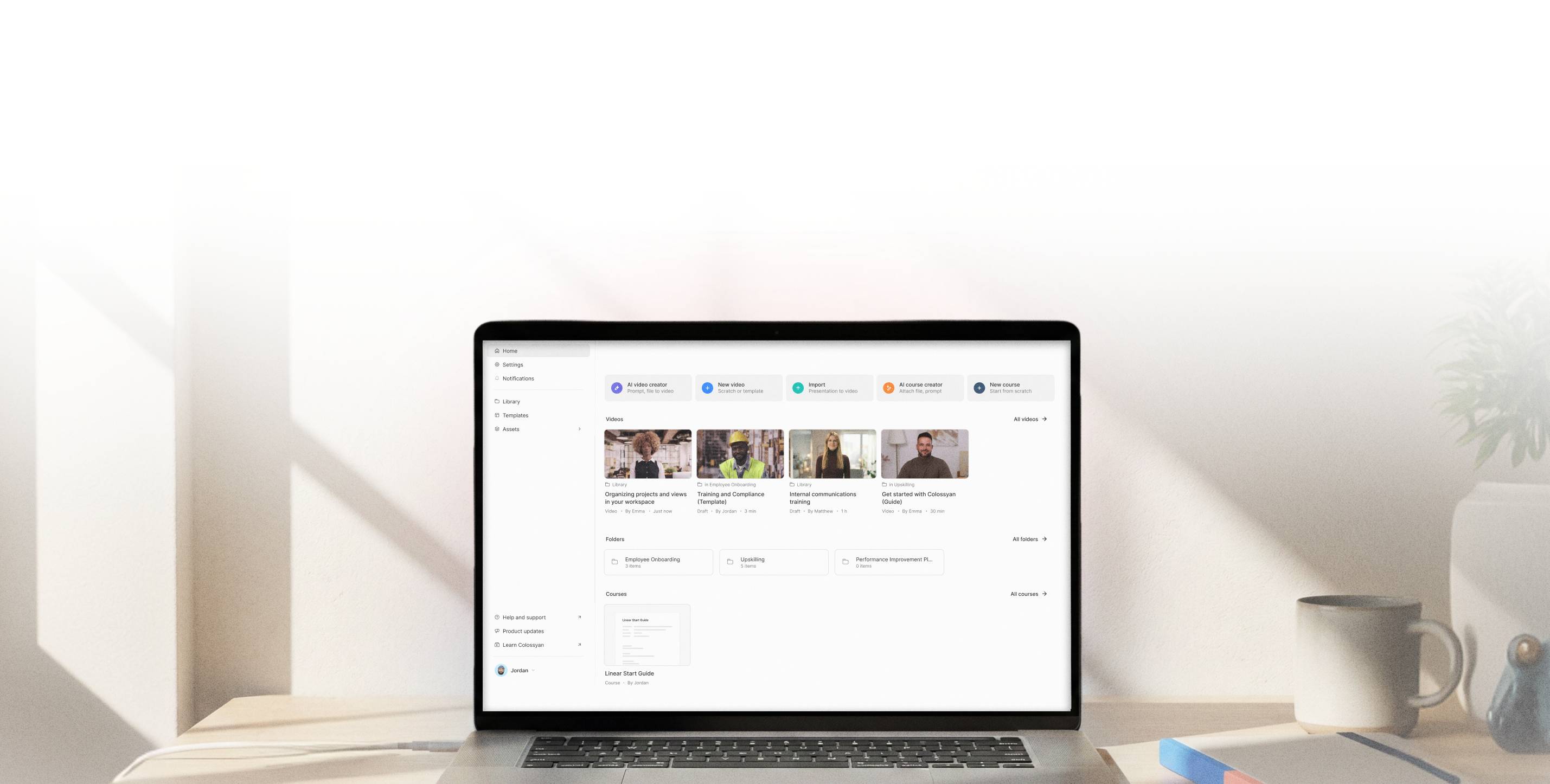
Add Engaging Screen Recordings to Your Videos
Build tutorials, training, and product walkthroughs by combining screen recordings with narration and avatars. All inside Colossyan.



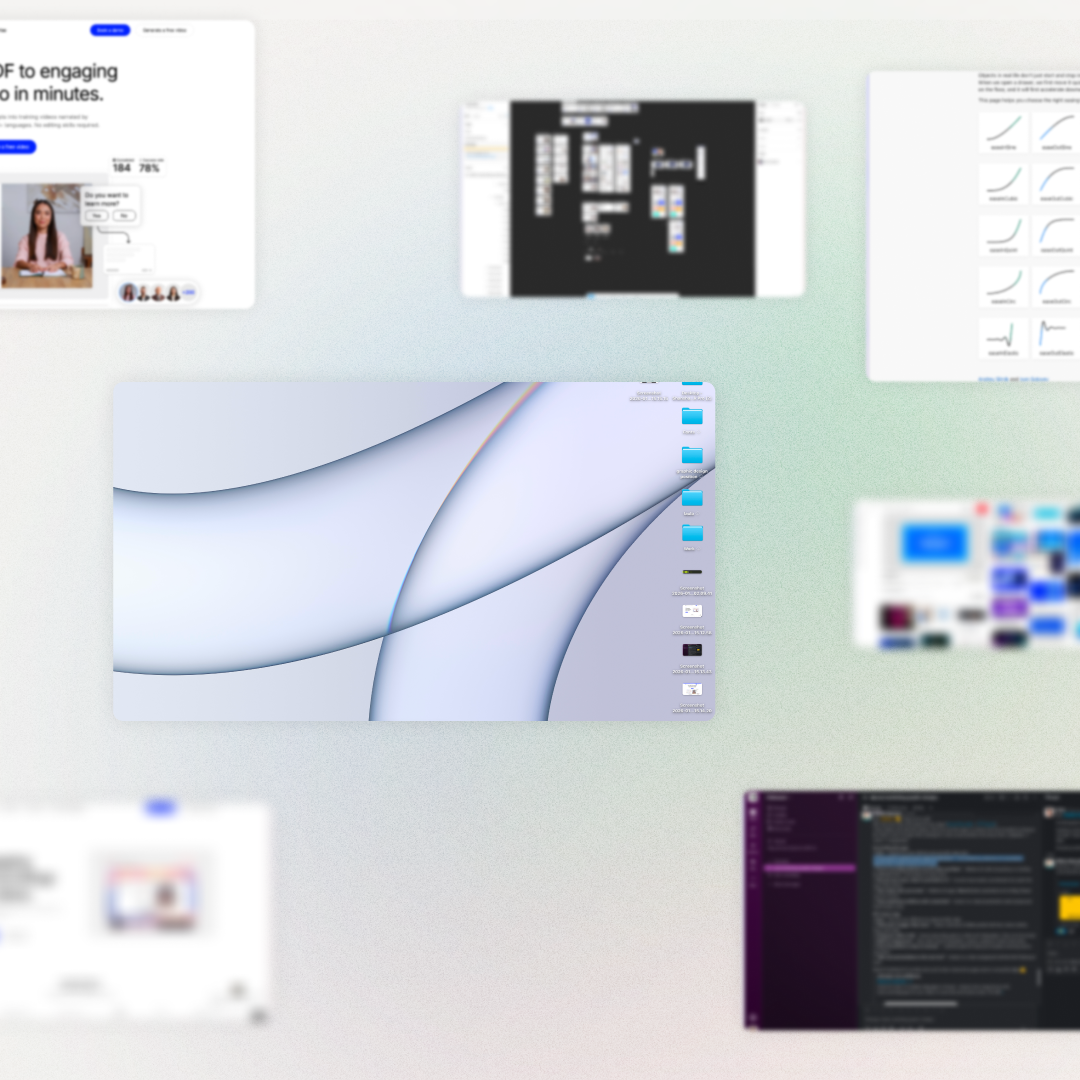
Screenshots and flat screen captures fall short
They show what's on screen, but not where to look or what to focus on. Without zoom, emphasis, or guidance, viewers have to figure out what matters on their own.
Screen recording, built into your AI video workflow
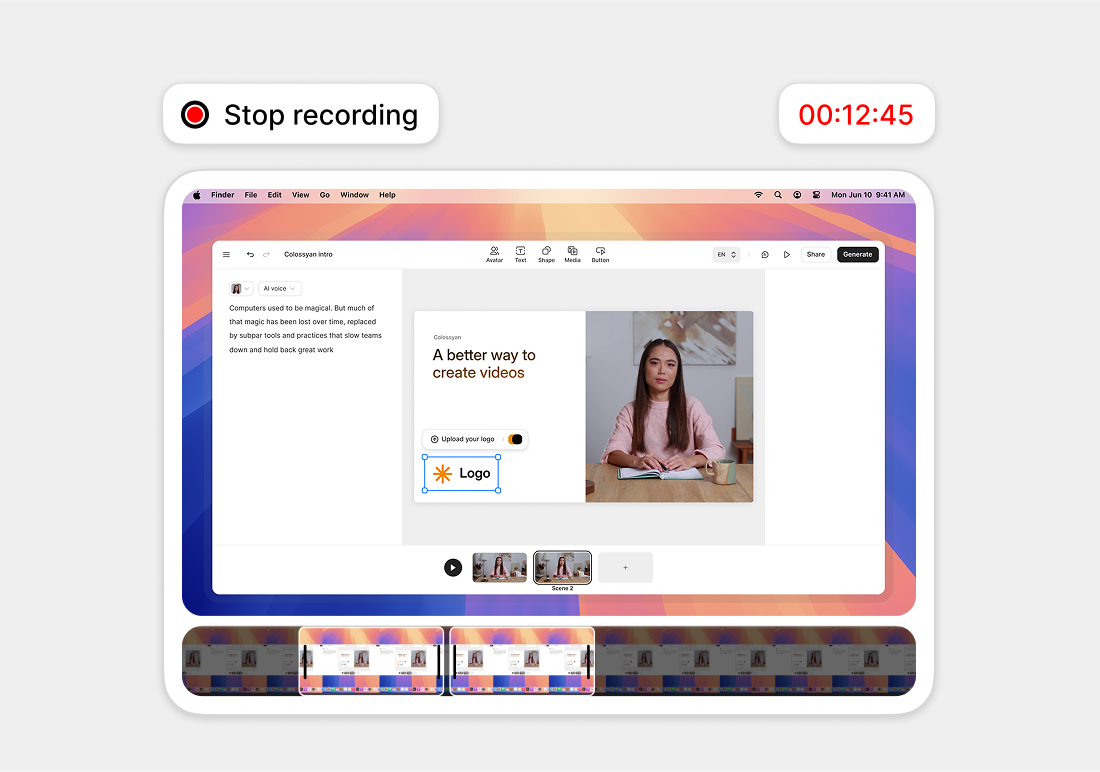
With Colossyan, screen recordings live inside the video editor. Record your screen, then trim and refine it, zoom into key details, and add narration or an AI avatar — all in one place.
- • Trim and refine the recording
- • Zoom into key details
- • Add narration or an AI avatar
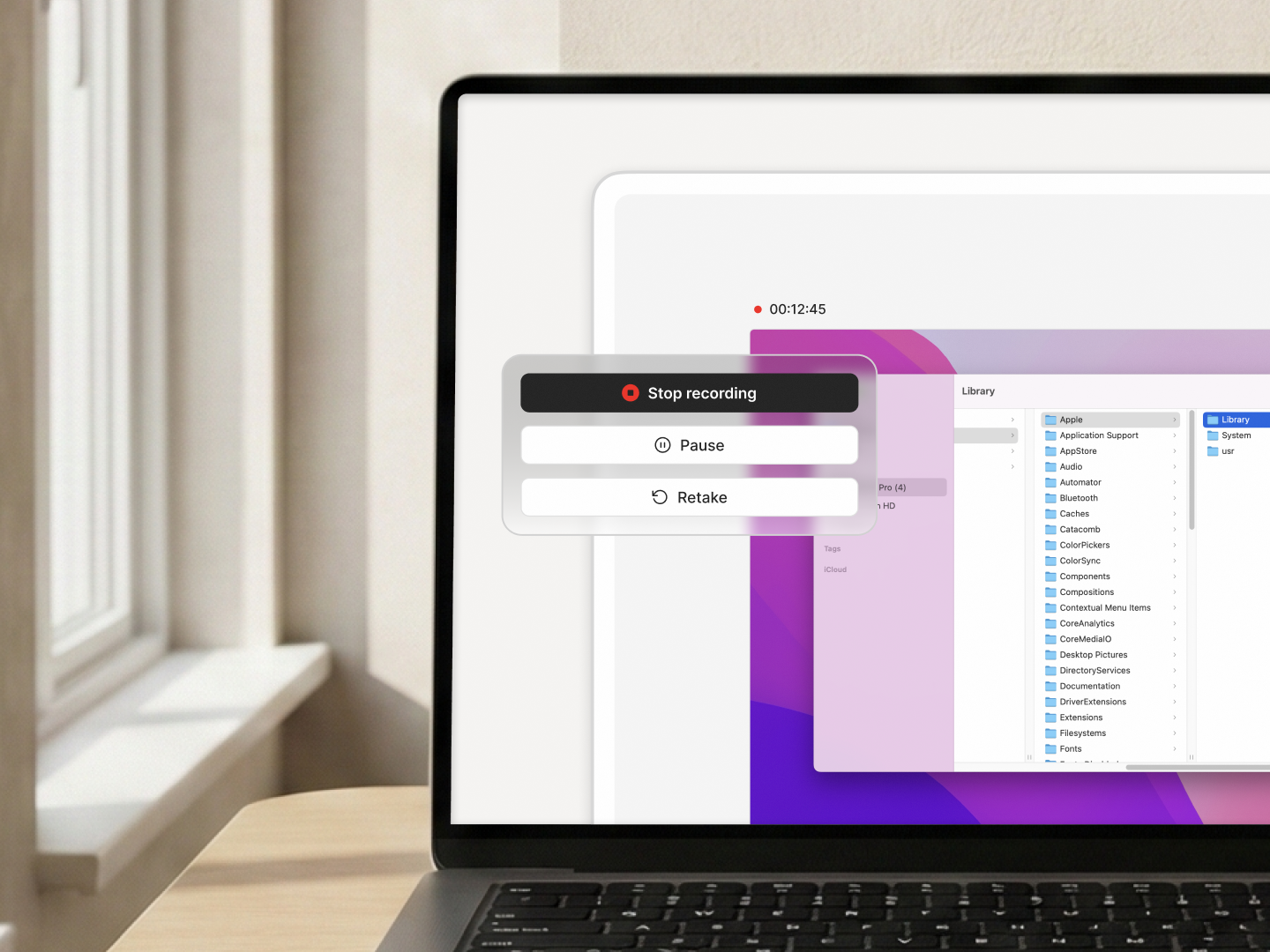
Record your screen, refine it, and build on it
Trim, cut, and add zoom to guide attention. Then continue building your video with narration, avatars, or additional scenes. Your recording becomes a clear explanation, not a raw capture.
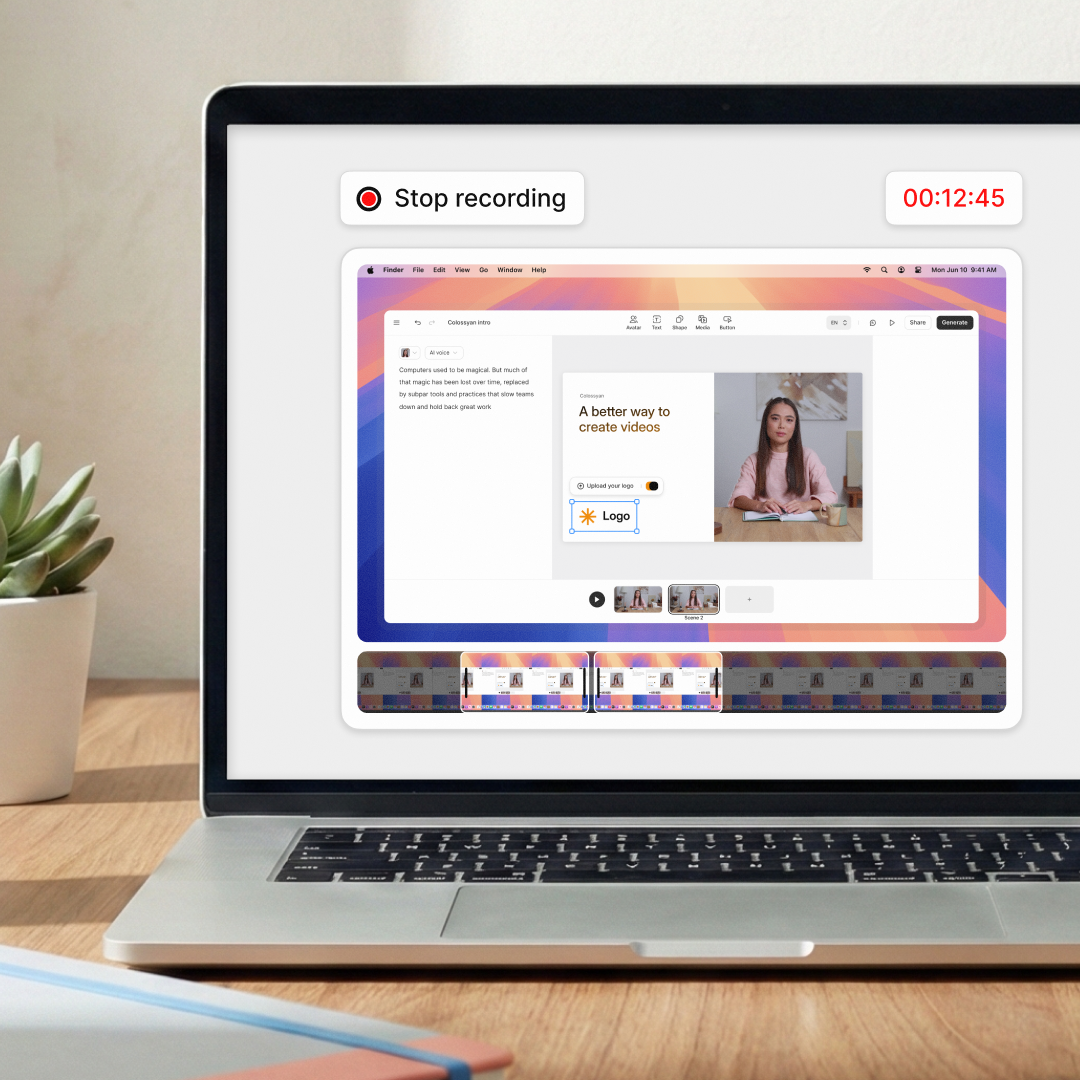
Turn screen recordings into engaging videos

Record instantly
Capture your screen directly in the browser. No downloads or plugins.

Edit with control
Trim, cut, and refine recordings on the timeline.

Zoom with intent
Highlight key areas to guide viewers through complex interfaces.

Add narration or avatars
Use AI voiceovers, your own voice, or an AI avatar to present the content.

Combine with other scenes
Place screen recordings alongside slides, avatars, and interactive elements.

Keep content up to date
Update or replace screen recordings without rebuilding your entire video, so content stays accurate as things change.
Rated #1 on G2 for AI Video Generation


Training content that never goes obsolete
The ease of content update and cost savings are remarkable. Colossyan's AI technology and its translation capabilities have revolutionized our training processes, especially in a multi-lingual environment like ours.

Cutting-edge AI for new hire training
The AI technology they've built into their software is truly cutting-edge and has significantly improved our new hire training program productivity.

Like extending our team
Working with Colossyan feels like we have extended our team. The ease of using Colossyan Creator to create engaging learning materials has been a game changer.

90% video production cost reduction
With Colossyan, we were able to cut around 90% of our video production costs. We chose Colossyan because we liked their company culture and the quality of their product.

We Have Partnered With Colossyan!
Colossyan Creator is a cost-effective, user-friendly tool that allows our global team to produce interactive, multilingual training videos in just minutes. While there is a minor initial learning curve, the platform's ability to scale professional content across 80+ languages has made it an essential partner for our enterprise.

Frequently asked questions
Just open the Screen Recorder in Colossyan, choose what you want to capture, and click record. It all runs in your browser, so there's nothing to download or set up.
Yes. You can add narration using 600+ AI voices in 100+ languages. You can even preview the voice as you record to keep the pacing natural.
Yes. You can record yourself directly, upload an audio file, or clone your voice to keep narration consistent across videos.
You can trim your recording, zoom in on key moments, and enhance it with music, animations, graphics, or AI avatars. Everything happens inside Colossyan, without switching tools.
Yes. It's great for product walkthroughs and demos. You can reuse videos across teams and update them anytime to stay aligned with product changes.
No. Everything works directly in your browser. Just open Colossyan and start recording.
You can export videos as MP4 or SCORM, embed them in your LMS, share them via a link, or reuse them across training, onboarding, and enablement.
Stop explaining workflows with screenshots