AI Video Generation Tools. Now Interactive.
Generate presenter-led videos, add branching scenarios and quizzes, then translate into 100+ languages. All from one platform.





Most AI Video Tools Stop at Video Creation
Training teams need more than a video generator. They need interactivity, course structure, SCORM exports, and localization — usually from three or four separate tools. Colossyan handles the full workflow in one platform.

From 480+ verified reviews
Video production cost reduction (Sonesta Hotels)
Auto-translated languages supported
How AI Video Platforms Compare
Feature comparison across AI video generation tools.
| Feature | Colossyan | Synthesia | HeyGen | Gen-AI (Sora, VEO 3) |
|---|---|---|---|---|
| AI avatars | 300+ NEO 2 | 240+ mixed | 200+ | No avatars |
| Course authoring | Yes | No | No | No |
| Interactivity | Branching, quizzes, agents | Limited | Limited | No |
| SCORM export | All paid plans | Enterprise only | Higher tier | No |
| Localization | 100+ languages | 100+ (Enterprise) | Credits required | Limited |
| Content updates | Edit scene, push live | Re-render | Re-render | Re-generate |
| Text-to-video | Script to avatar video | Script to avatar video | Script to avatar video | Prompt to cinematic video |
| Use case | Training and enablement | Business comms | Marketing video | Creative/cinematic |
Document-to-Course Conversion
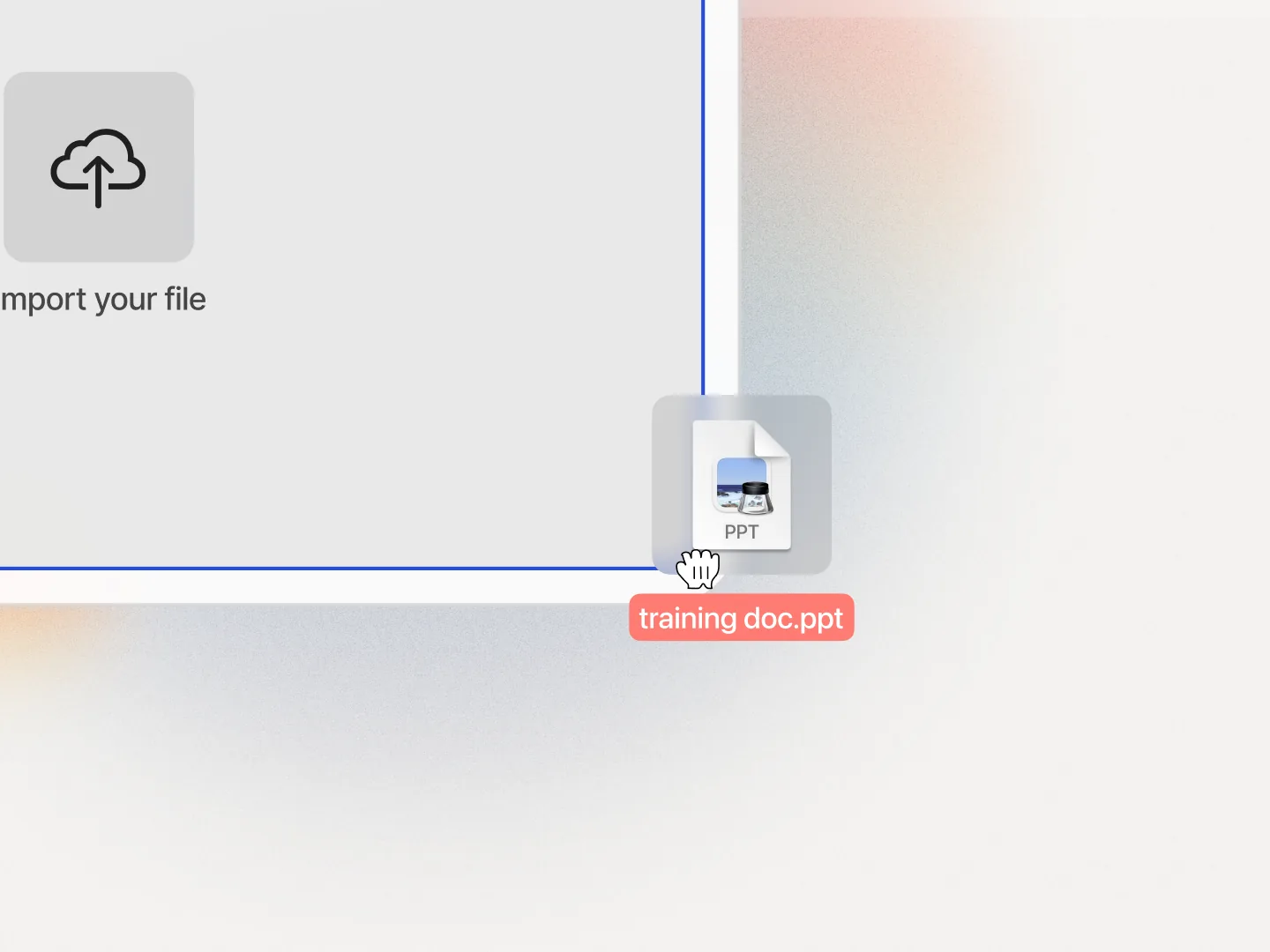
Turn documents, slides, scripts, PDFs, and URLs into structured training programs. The AI breaks your content into scenes, assigns avatars, and generates a complete video-led course. Six input formats, not just text.
- • Upload plain text, documents, PPTs, PDFs, URLs, or use AI prompts to generate scripts
- • AI structures content into scenes automatically
- • Full courses with modules, lessons, and assessments from a single upload
Interactive Video with Branching and Assessments
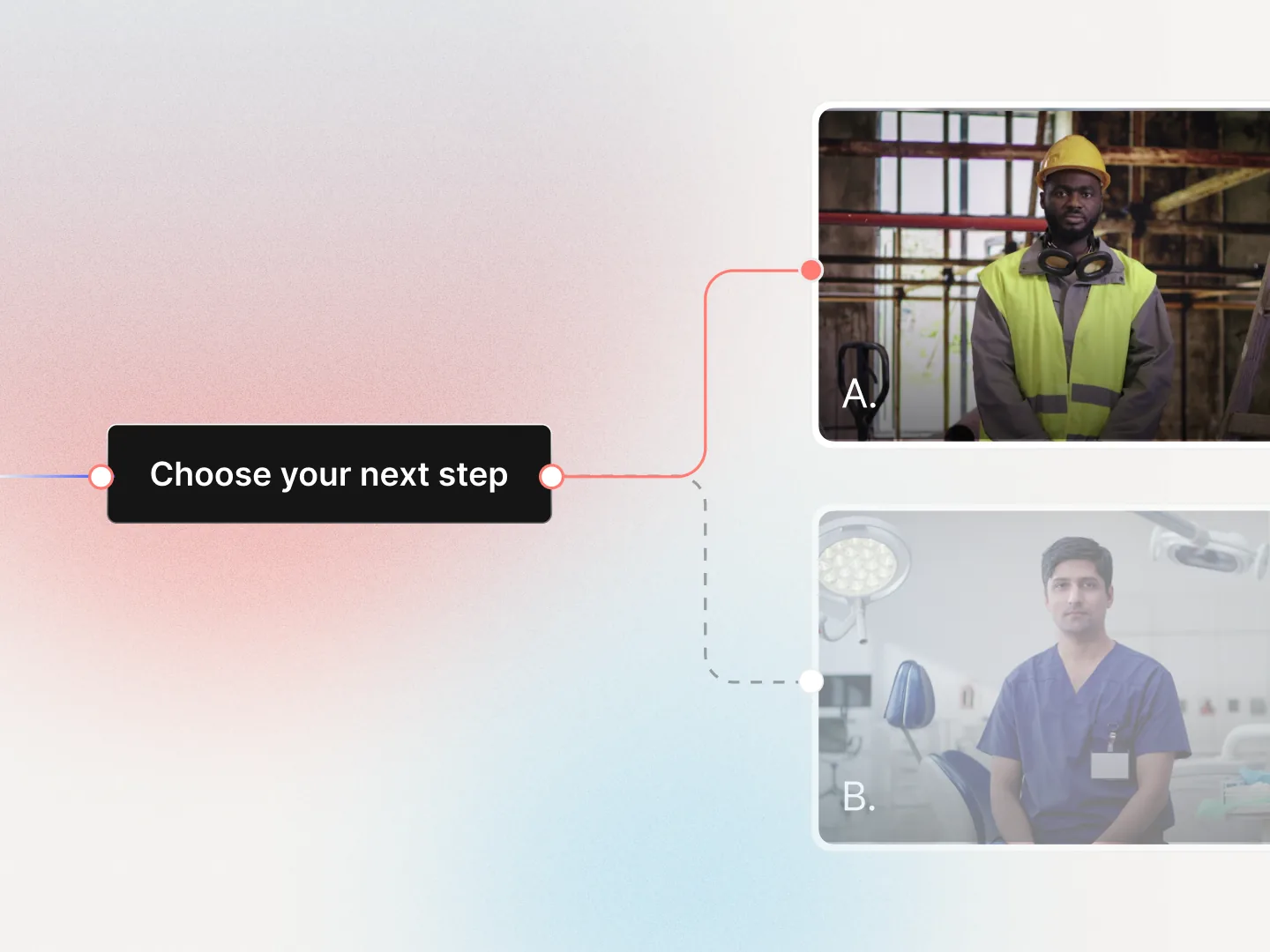
Add branching scenarios, quizzes, knowledge checks, and agent-driven simulations directly inside your videos. Learners make choices, answer questions, and receive scored assessments. This is structured L&D interactivity, not a chatbot overlay.
- • Learners choose their path through realistic training situations with branching scenarios
- • Embed quizzes and knowledge checks that validate understanding at key points
- • Measure learning outcomes with scored assessments and agent-driven simulations
What to Look for in an AI Video Generation Tool
Training and enablement capabilities
Does the tool support structured training content, or is it limited to standalone videos? Look for interactive elements (branching, quizzes, agents), SCORM exports, and course-level authoring.

Content lifecycle management
Can you edit, update, and version content without starting over? Training content goes stale fast. The tool should let you swap a script line, update a slide, or change a speaker without re-rendering the entire project.

Localization and global reach
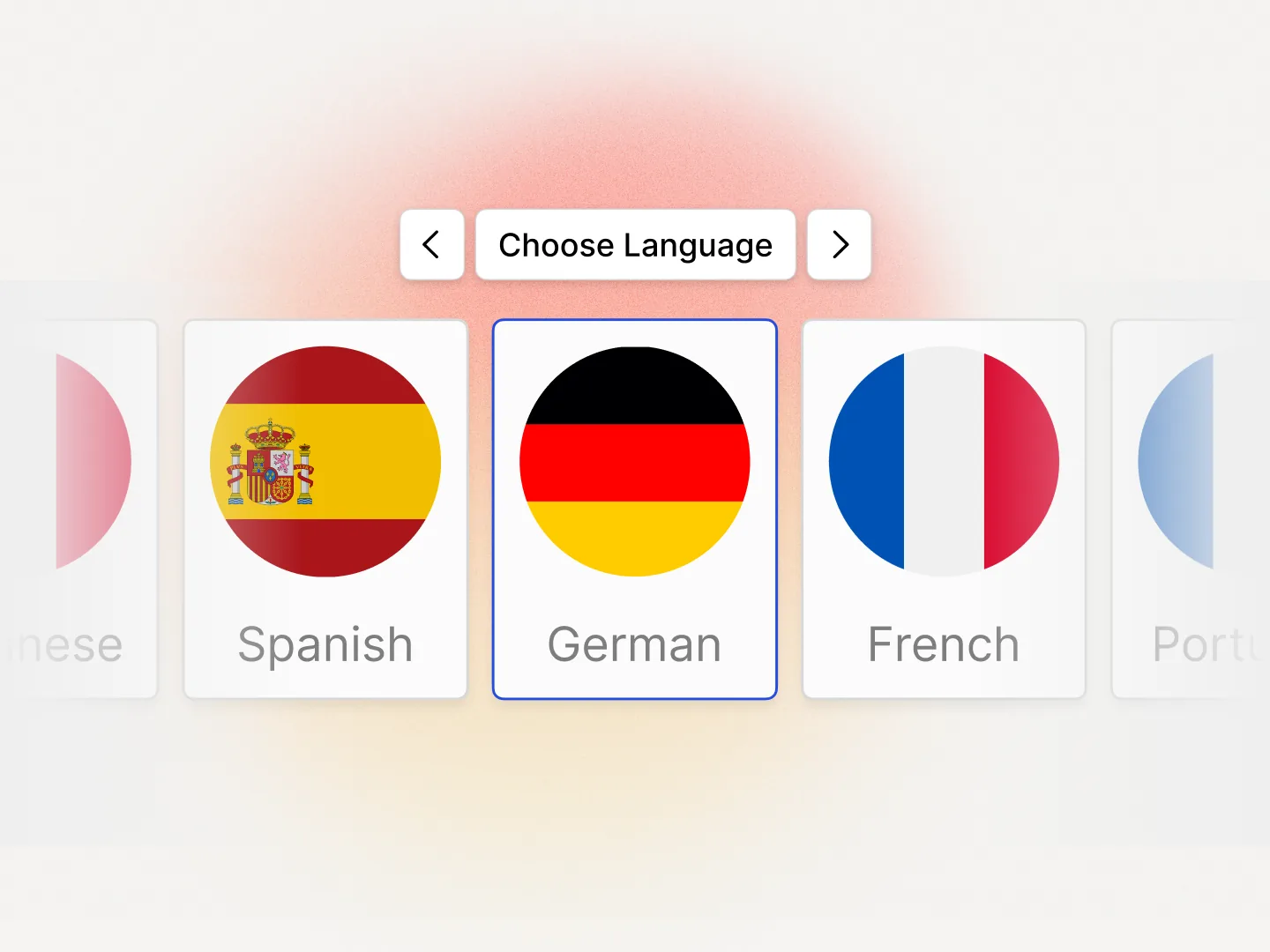
How many languages does it support, and can it localize video, text overlays, and interactive elements together? Separately translating video audio, captions, and quiz questions multiplies your workload.
Total cost of ownership
Compare more than the sticker price. Factor in rendering limits, seat-based charges, credit systems, and the cost of localization add-ons. A plan that looks affordable can become expensive when you add the features your team actually needs.

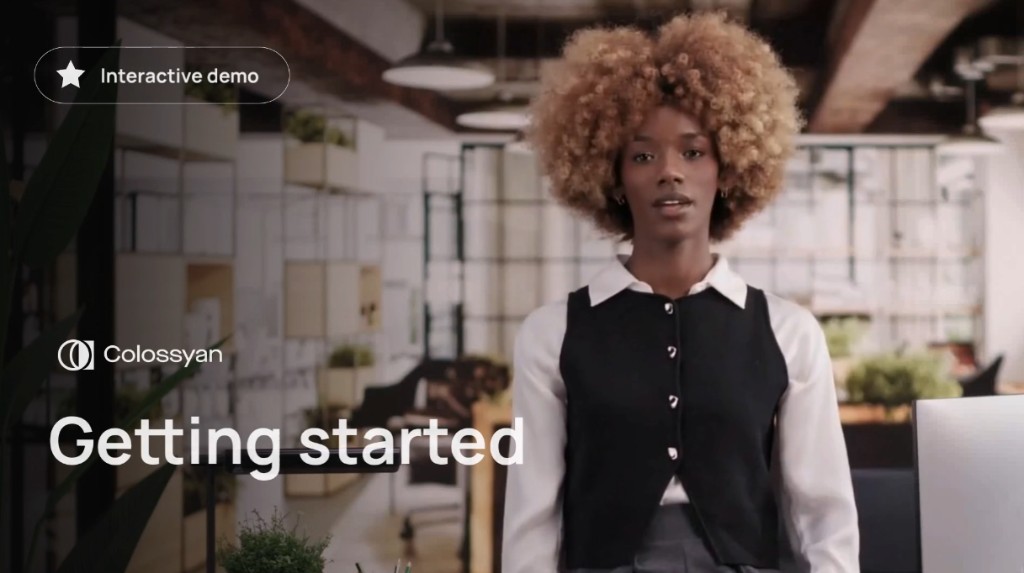
Watch How Teams Use Colossyan
Product walkthroughs across three core workflows


Other AI Video Tools vs. Colossyan
Most AI video generators stop at video creation. Colossyan covers the full training workflow.
Colossyan replaces the stack of separate tools most teams assemble. One platform handles video, interactivity, translation, and LMS delivery.
Why Teams Choose Colossyan
“The biggest benefit of Colossyan is being able to have training material that never goes obsolete.” Read AmeriSave Mortgage case study


“We’ve been able to replace an average of 10 hours of walkthrough meetings every month by generating a Colossyan video.” Read Paramount Pictures case study


“Colossyan’s technology and its translation capabilities have revolutionized our training processes, especially in a multi-lingual environment like ours.” Read Sonesta case study


Find your perfect plan
Your single platform to create efficient video first and multi-modal training and enablement content
Starter
For individuals, starting to experiment with video first course creation
Professional
For professionals or small teams creating video first courses
Enterprise
For companies scaling training and enablement
Frequently Asked Questions About AI Video Generation Tools
AI video generation tools are software platforms that use artificial intelligence to create videos from text, documents, or prompts. They typically include AI-generated avatars, text-to-speech narration, and automated editing. Some platforms focus on standalone video creation, while others (like Colossyan) support full training and enablement workflows including interactive content, localization, and content lifecycle management.
For corporate training, Colossyan is purpose-built for training and enablement teams. Key features include interactive elements (branching scenarios, quizzes, agents), SCORM exports for LMS integration, course authoring, and the ability to update content without re-recording. Synthesia and HeyGen are primarily focused on video generation rather than structured training workflows. See our full Synthesia comparison.
Most AI video tools offer free plans with limited usage. Paid plans typically start between $22-$29/month for individual use. Team and enterprise plans range from $55-$150+/month per seat. Compare what is included at each tier. Features like SCORM exports, SSO, translation, and brand kits are often reserved for the most expensive plans on some platforms. Colossyan makes core training features accessible on standard plans.
Yes, but the depth of localization varies. Most tools can translate video narration into dozens of languages. Fewer tools can localize on-screen text, captions, and interactive elements (quizzes, branching paths) in a single workflow. Colossyan localizes all content types together across 100+ languages without requiring Enterprise pricing.
Some do. SCORM export support is the standard for LMS integration. Colossyan and AI Studios support SCORM exports on standard plans. Synthesia offers SCORM only on its Enterprise plan. HeyGen and Hour One do not currently support SCORM exports.
An AI video generator creates individual videos from text, scripts, or prompts. An AI training platform uses video as one component of a larger training experience that includes interactive content, structured courses, assessments, and content management. Colossyan is designed as the latter, replacing the need for separate video tools, authoring tools, and localization vendors.
This varies by platform. Some tools require you to re-render the entire video for any change. Colossyan supports full content lifecycle management: update a script line, swap a visual, or change a speaker without starting over. This is the difference between a one-time video tool and a long-term platform.
Research on video-based learning shows that video combined with interactive elements (quizzes, scenario-based practice, agents) significantly outperforms passive video alone. Tools that support interactivity within the video tend to produce higher completion rates and better knowledge retention.

Ready to See How Colossyan Works for Your Team?
Compare AI video generation tools and start with Colossyan's free plan. No credit card required.